


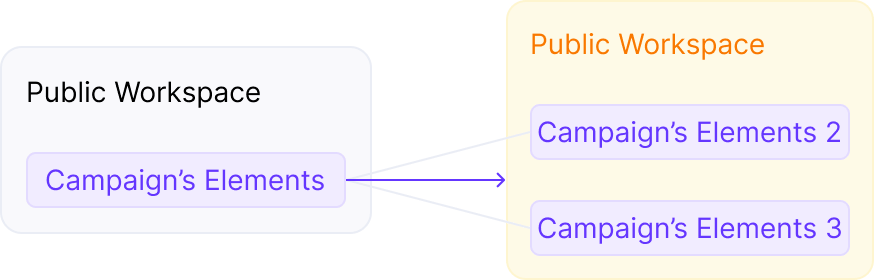
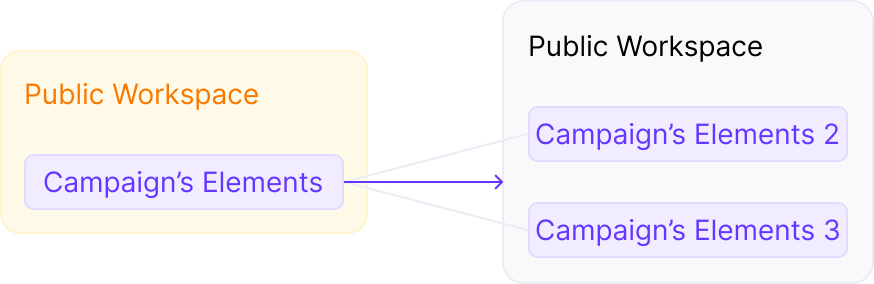
- Horizontal Relationship: Sharing the same Workspace (private or public).
- Vertical Relationship: Dependency of one element on another (being in the same campaign funnel).
- Cross-section of Horizontal and Vertical Relationship: Determines permission to move the campaign element.
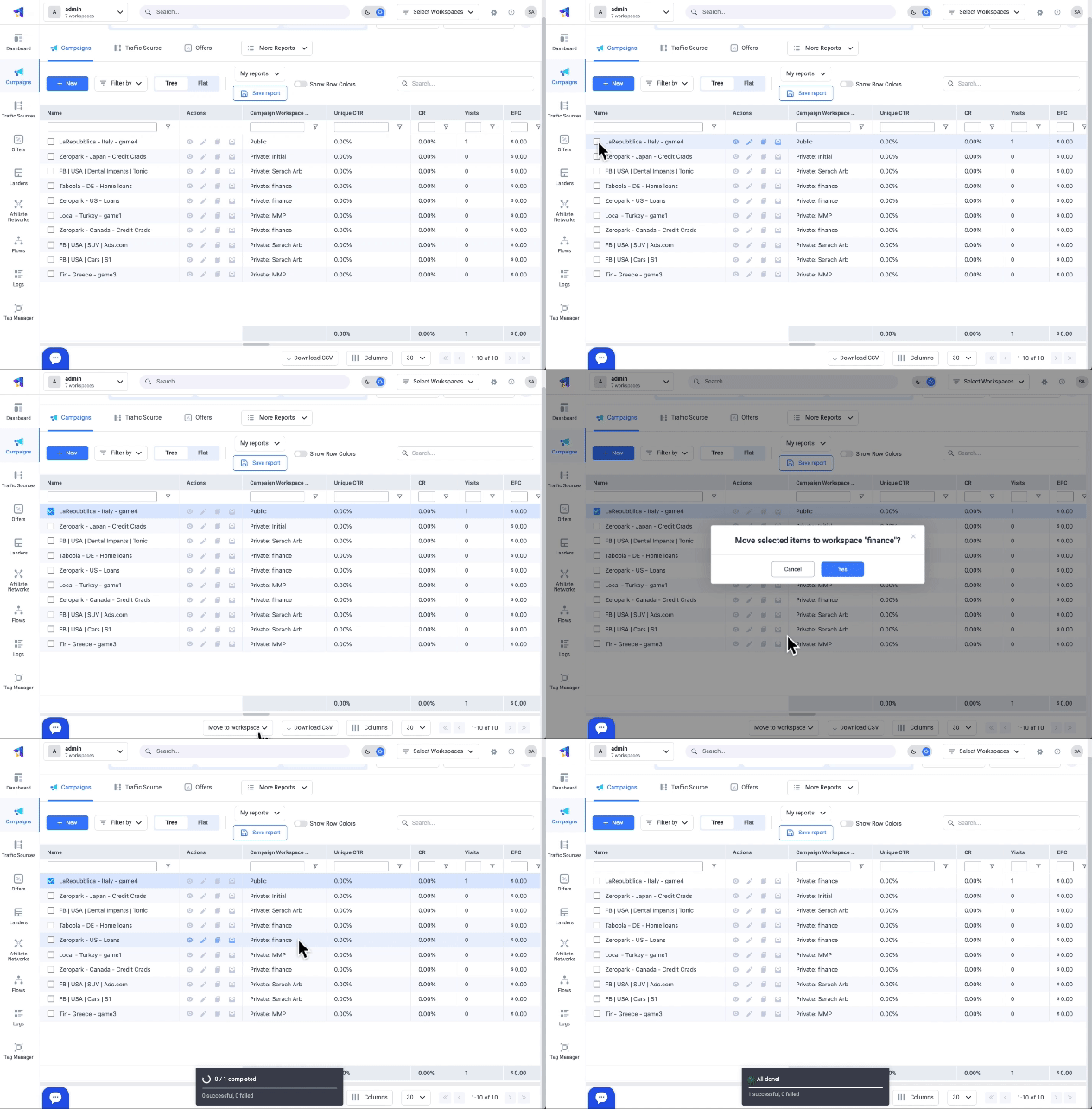
- In ClickFlare, go to the relevant campaign element tab. The campaign element view will appear.
- Tick the box of the campaign elements that you want to move to another workspace. This gives you the advantage of moving more elements together
- Click on the “Move to Workspace” quick action button on the bottom right, and select the workspace-s the elements should be moved to
- Lastly, click on apply
- Campaign: Can be moved between Private Workspaces if no private elements are connected to the campaign.
- Offer: Can be moved between Private Workspaces if not connected to other elements or no private elements are connected with this offer.
- Lander: Can be moved between Private Workspaces if not connected or no private elements are connected with this lander.
- Flow: Can be moved between Private Workspaces only if public elements are used in the flow.
- Tag Manager Containers: Can be moved between Private Workspaces.
- Campaign: Element is not available in the Public Workspace.
- Offer: Can be moved to the Private Workspace if no public elements are used above the offer.
- Lander: Can be moved to the Private Workspace if not connected to other campaign elements.
- Flow: Can be moved to the Private Workspace if public elements are used in the flow.
- Tag Manager Containers: Element is not available in the Public Workspace.
- Campaign: Element is not available in the Public Workspace.
- Offer: Can be moved to the Public Workspace if not connected to other campaign elements or no private elements are beneath the offer.
- Lander: Can be moved to the Public Workspace if not connected or has private elements above.
- Flow: Can be moved to the Public Workspace if public elements are used in the flow.
- Tag Manager Containers: Element is not available in the Public Workspace.