

Note**:** Statistics will not be imported.
-
To begin, click from anywhere inside ClickFlare the gear icon on the top right of the system.

-
Continue by selecting Voluum Importer in the Setting Menu.
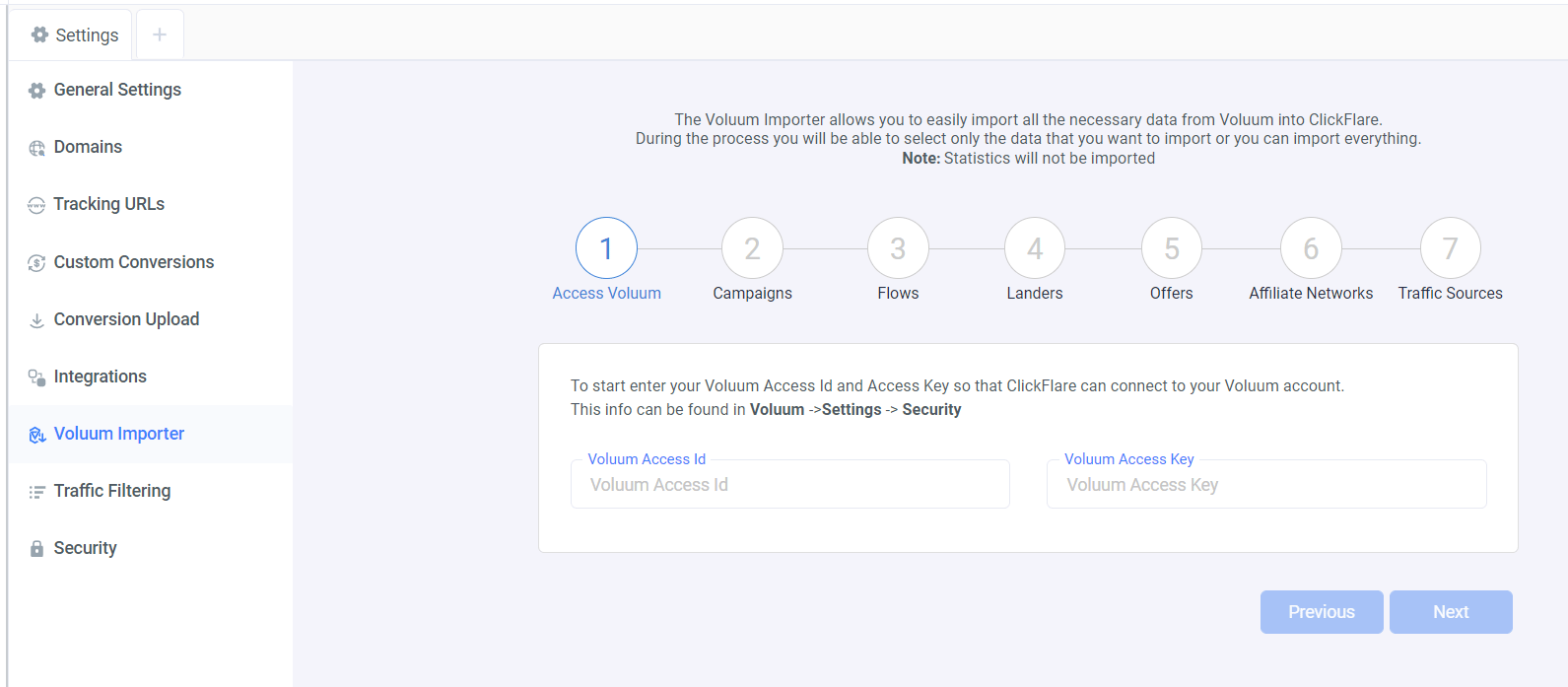
- On the first step, enter your Voluum Access ID & Voluum Acess Key.
- Next, select the campaigns you want to import.
- Proceed to doing the same for your flows, landers, offers, affiliate networks and traffic sources.
- Once done, click Import and all your data will be automatically imported to ClickFlare.
- Check the video below to see how each step of this guide will appear on your screen.