-
Events
- Custom Event
-
Link Utils
- Replace Links
-
ClickFlare
- Click CTA
- Report Conversion
-
Custom
- Custom image
- Custom HTML
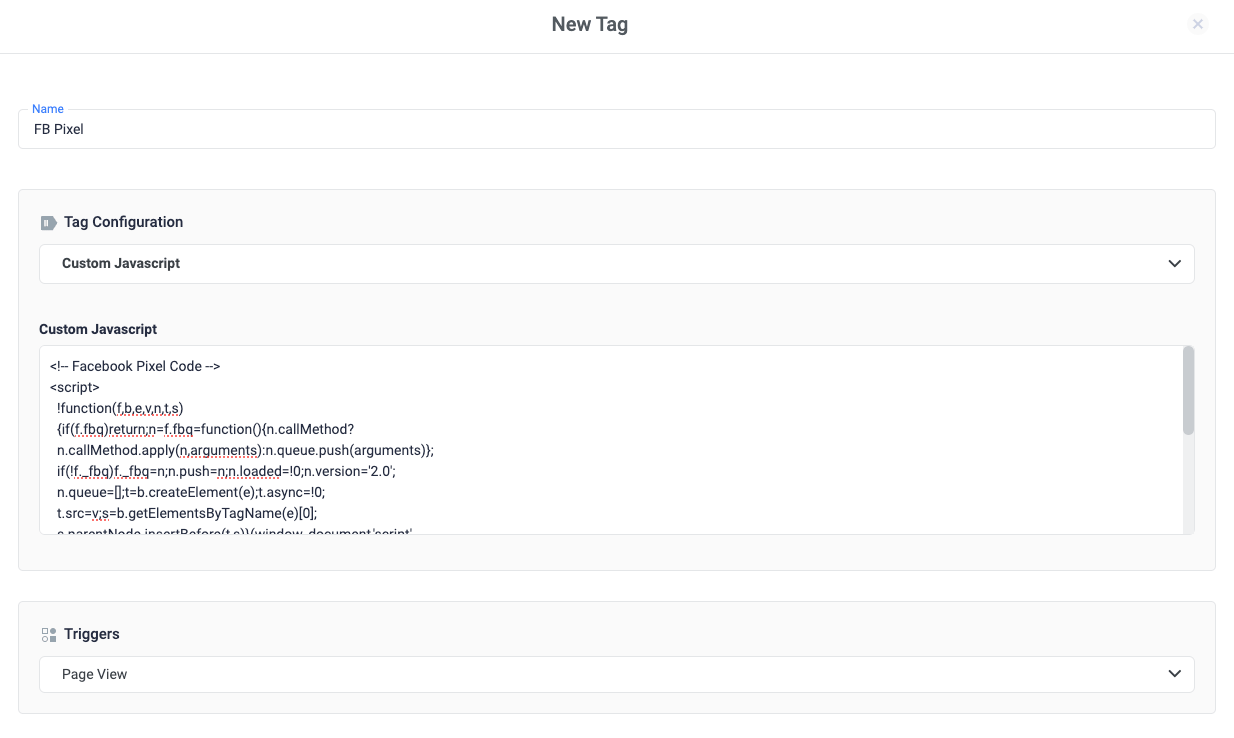
- Custom JavaScript
- Append Query Parameter to Link
Standard tags
Custom Event: This tag allows you to push a custom event to ClickFlare’s data layer. It functions similarly to executing the following JavaScript command::Custom Tags
If you need to implement a tag that is not yet supported natively by Tag Manager, you can use a custom image, HTML, or JavaScript tag. Exploring Custom Tag Types Custom Image Tag: This tag facilitates the deployment of pixel tags, vital for tracking and analytics purposes. The process for creating a Custom Image tag involves specifying the Image URL provided by the vendor, alongside options for enabling cache busting to ensure accurate hit registration. To create a new Custom Image tag:- Inside your tag manager container, click Tags > New.
- Click Tag Configuration and select Custom Image.
- Enter the Image URL as provided by the vendor. Use ”//” if protocol-relative versions of the image are available. Use “https://” if only a secure version is available. (Use of “http://” is not recommended.)
- Click Tags > New.
- Click Tag Configuration and select Custom HTML.
- Copy the tag code provided by the vendor and paste it into the HTML field, or enter your own custom HTML or JavaScript code. Note: Always place JavaScript inside <script></script> HTML tags.