

Create a new trigger
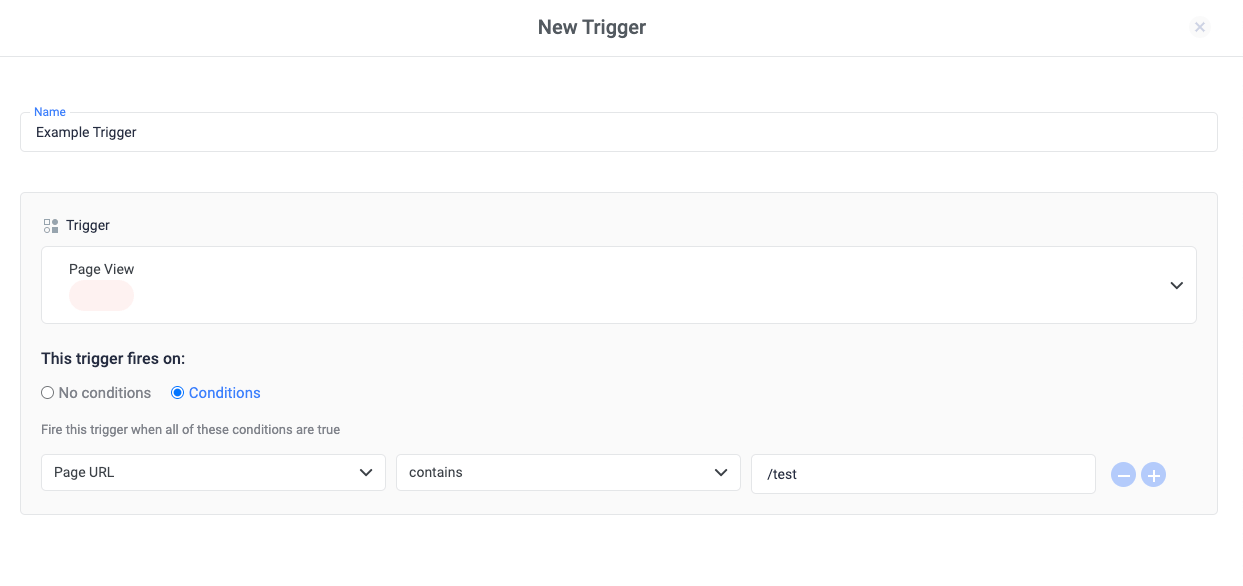
To create a new trigger, follow these steps:- Navigate to Tag Manager in the left-side menu.
- Choose the container by clicking its name.
- Inside the container, navigate to the “Triggers” tab.
- Click on + New Trigger.
- Pick the trigger type you want to create.
- If necessary, choose a condition for when the trigger should activate.
- Click Save.
Create a trigger from a tag definition
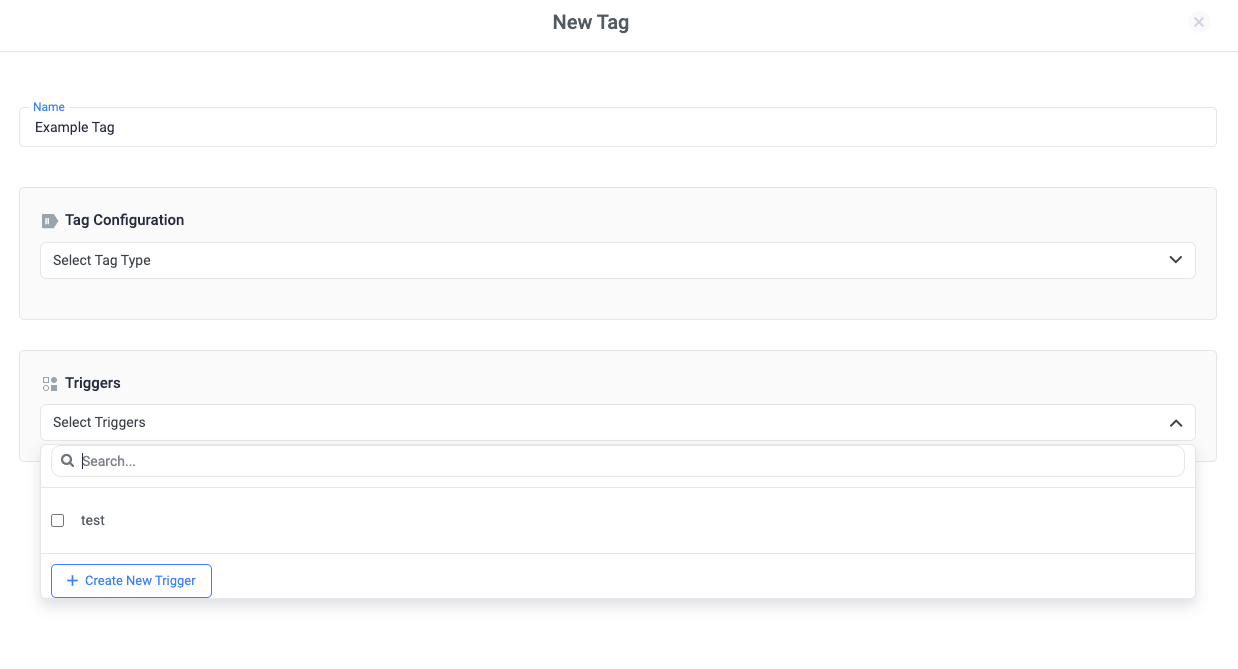
You can create a new trigger during tag configuration. From any tag configuration page:- In the Triggers’ section, click on the select Triggers dropdown.
- Click + Create New Trigger.
- Select the trigger type you would like to create.
- Complete the setup for the selected trigger type.
- Click Save.
Edit a trigger
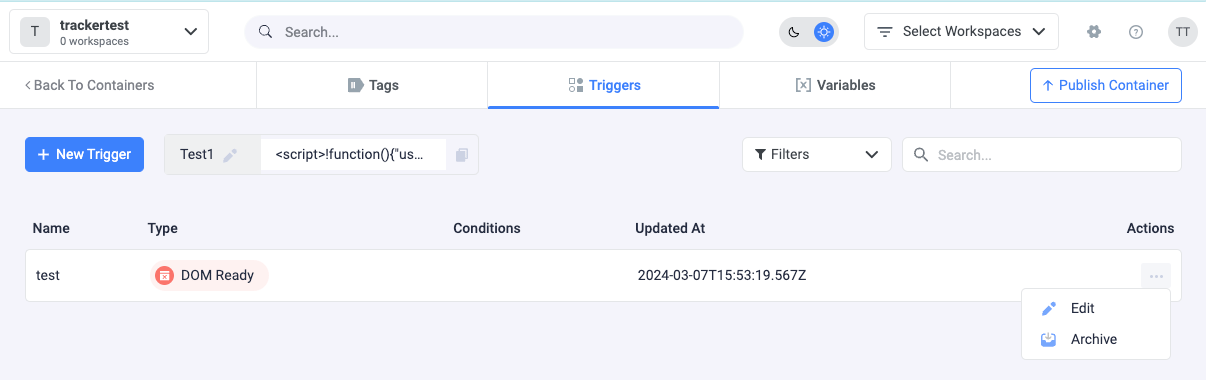
To edit an existing trigger:- Click Triggers.
- Click the 3 dots, next to the trigger name.
- Click Edit.
- Make the necessary changes and click on Save.
Note: Depending on the trigger, it might be made up of a Variable, an Operator, and a Value: