

- Click Triggers > New.
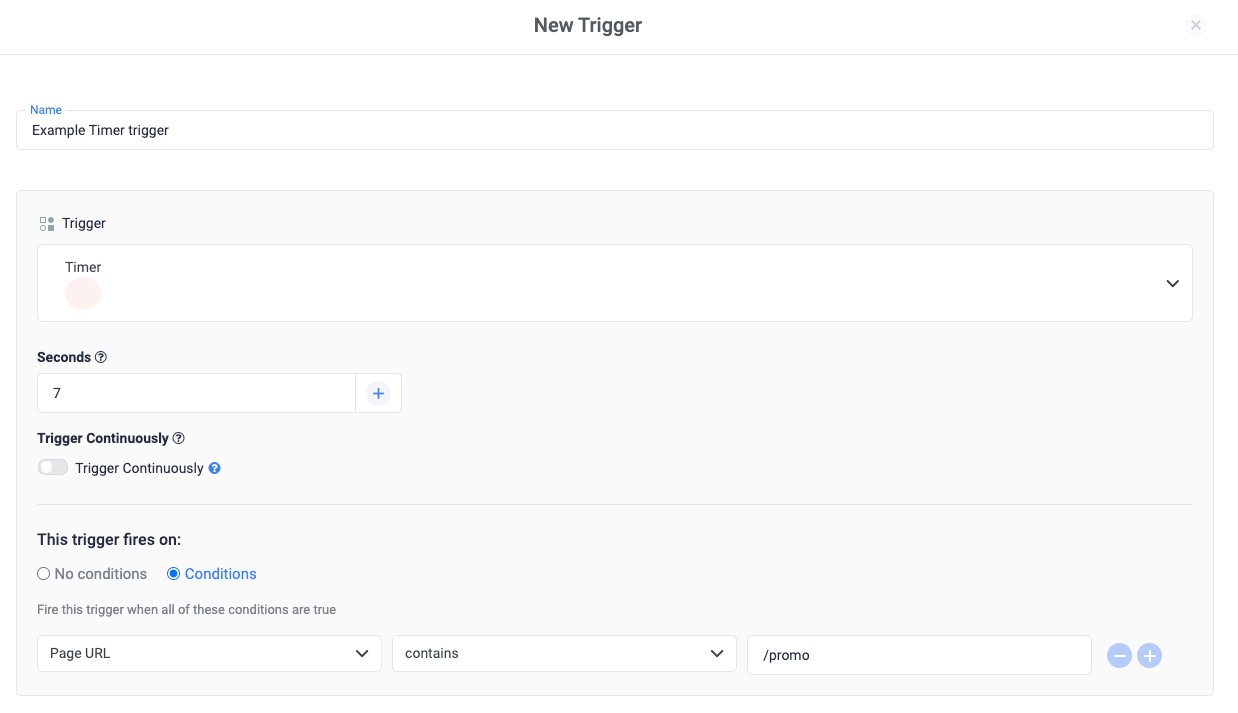
- Click Trigger Configuration and choose the Timer trigger type.
- Add an Interval in seconds. The trigger will fire at the specified interval (e.g. every 7 seconds.)
- Turn on Trigger Continuously to fire the event every time the interval is reached until the user leaves the page.
- In the “Enable this trigger when all of these conditions are true” section, specify a variable, operator, and value. This step will ensure that the trigger listener is enabled only when necessary, to help improve overall website performance.
- Save the trigger and publish the container.
Related Sources
- Trigger types
- How triggers work
- Built-in variables