

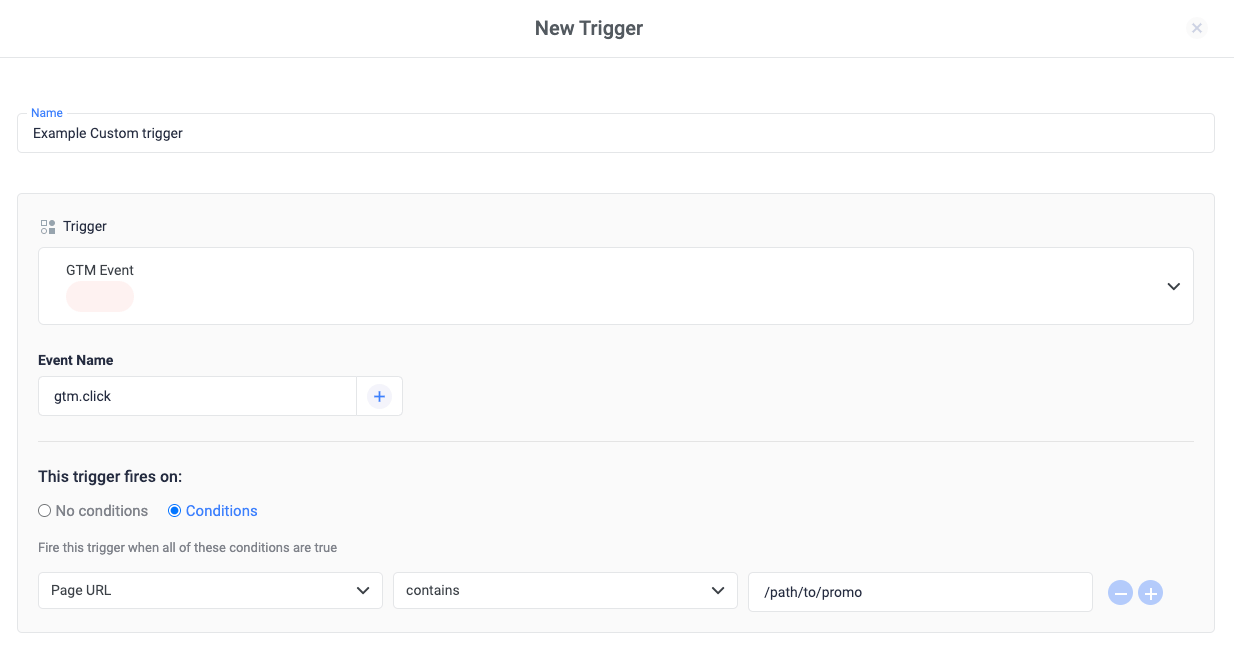
- Click Triggers > New.
- Click Trigger Configuration and choose the GTM Event trigger type.
- Enter the GTM event name on which the trigger should fire.
- Optional, but recommended for improved performance: Specify conditions (usually a URL pattern) for pages where you expect a click to occur: Under the heading “This trigger fires on”, select “Conditions”. Under “Fire this trigger when an Event occurs and all of these conditions are true”, add a filter to enable this trigger only on pages that require it, e.g. Click URL contains /path/to/promo.
- Trigger types
- How triggers work
- Variables