- Navigate to Tag Manager in the left-hand menu.
- Access the container for which you intend to create a variable.
- Proceed to the [x] Variables Tab
- Click on + New Variable.
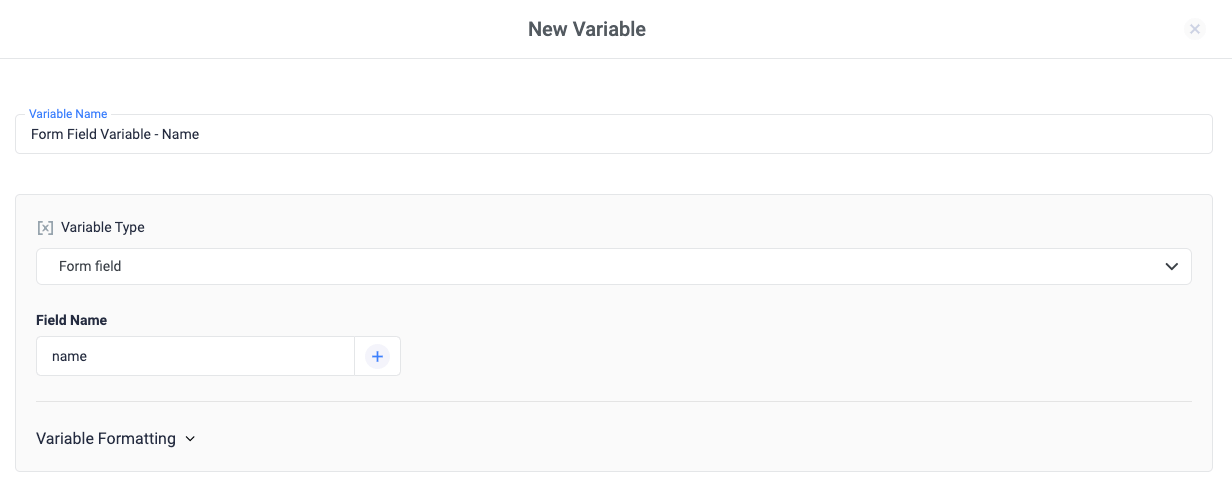
- Choose the desired variable type from Variable Configuration. Refer to the list of variable types for more information.
- Fill in the options for the chosen variable type.
- Assign a descriptive name to the variable, such as “Form Field Variable - Name”.
- Save your changes.