


- An active MGID Account
- An active ClickFlare Account
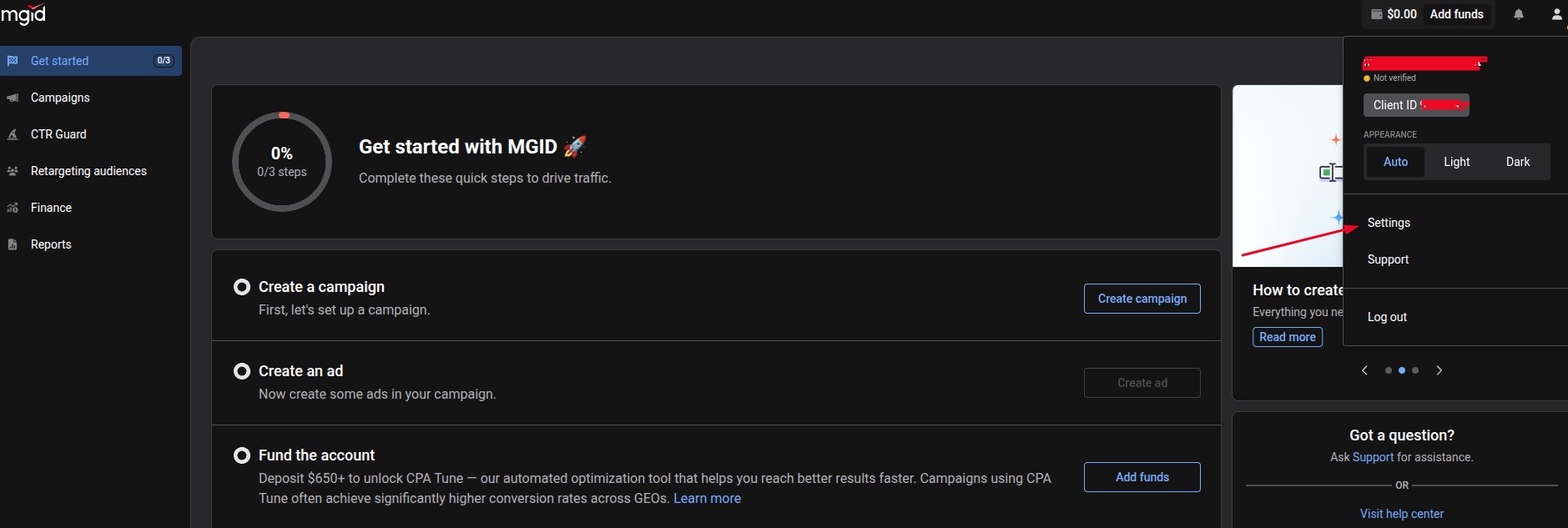
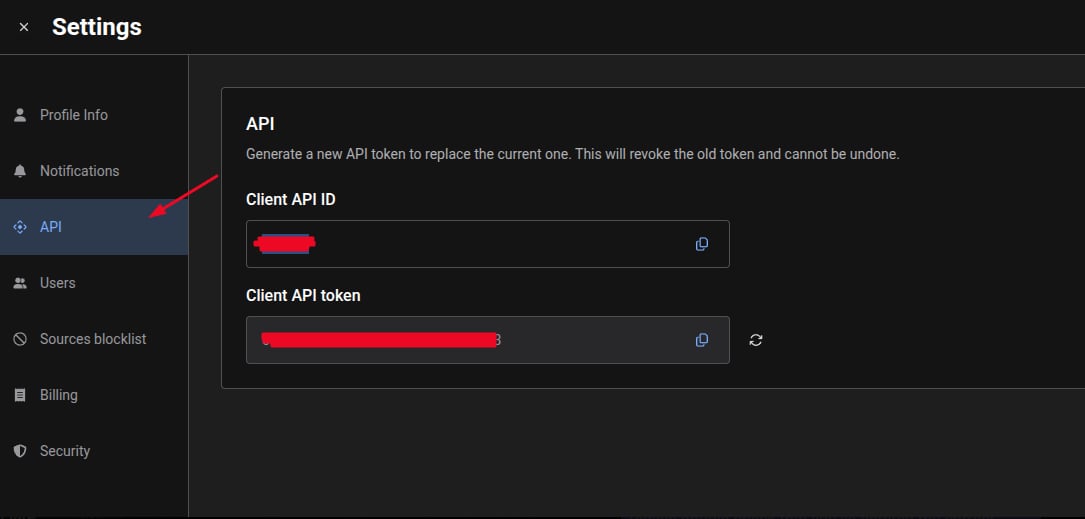
- Your MGID Credentials
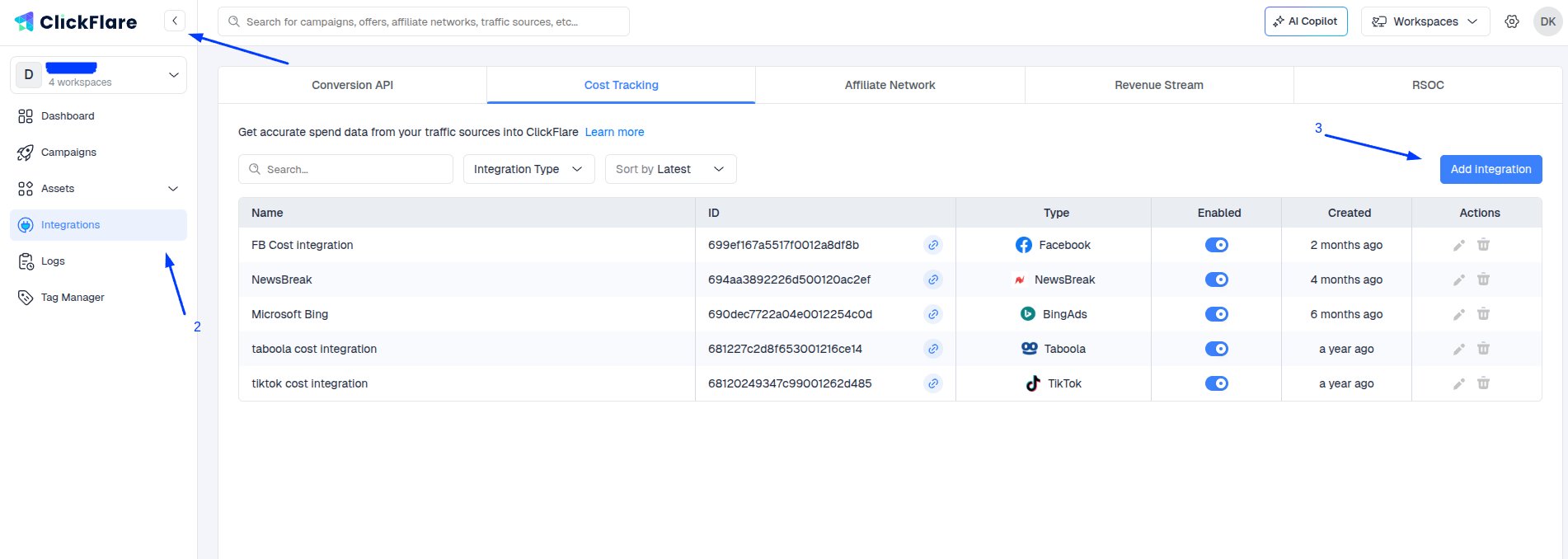
- Go to the Integrations tab.
-
In the Cost Tracking Integrations section, click on Add Integration.
-
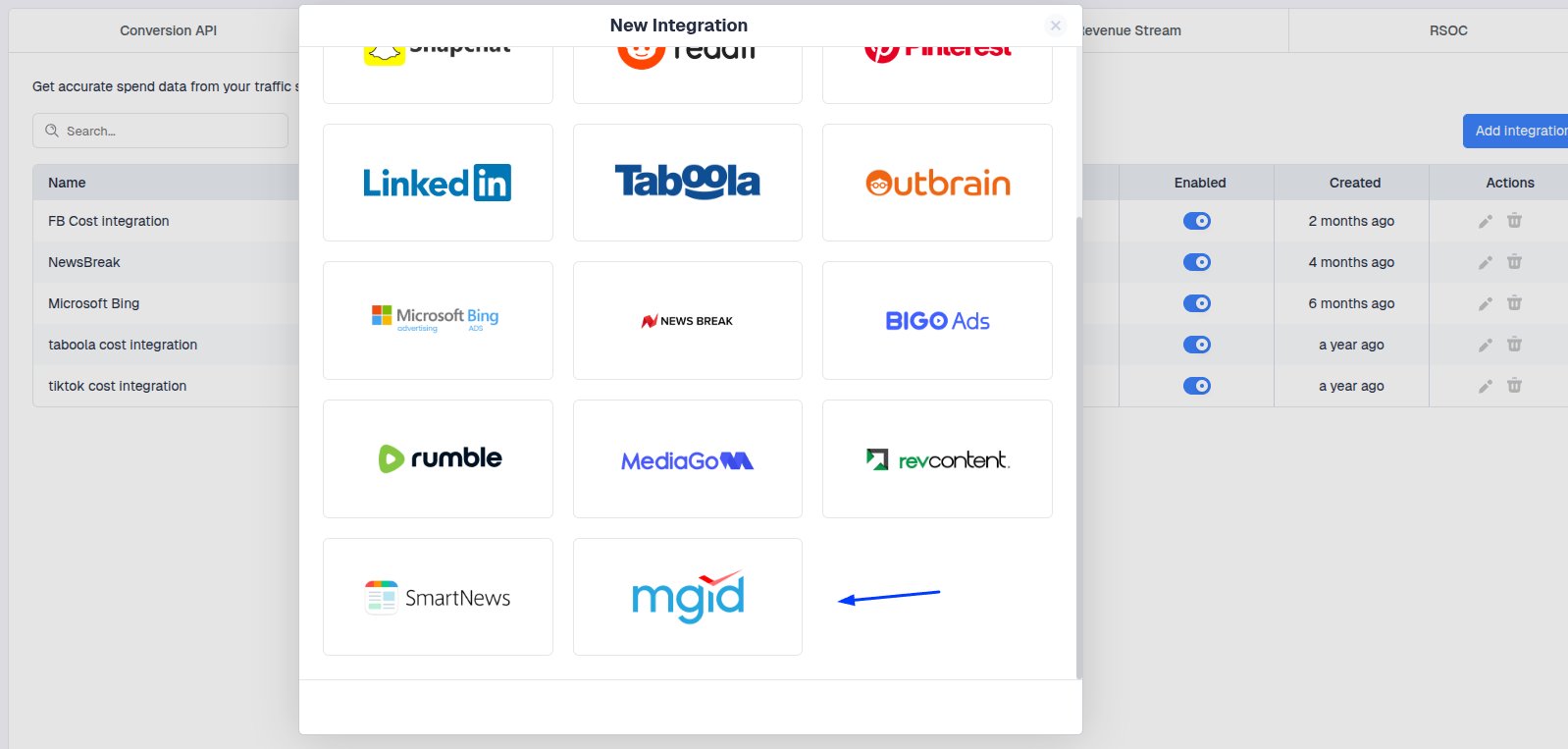
Select MGID
-
Paste the Email, Password, Client API ID, and Access Token of your MGID account, and select a Timezone.
 Note: Make sure to select the same timezone you have on MGID. Failing to do so may result in cost discrepancies.
Optional Step - Specify the traffic source you want to assign to this cost integration to.
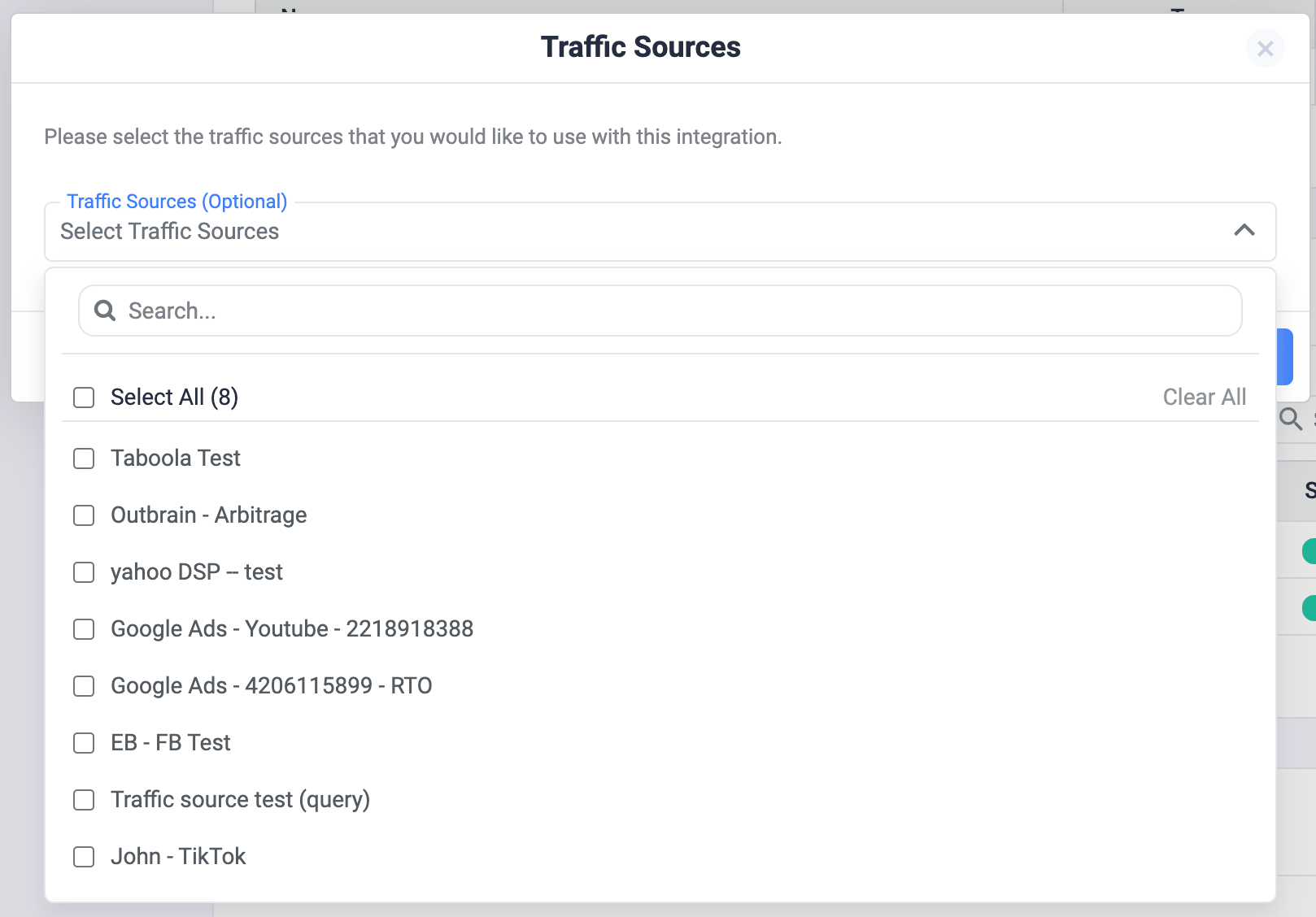
Important note: Make sure to select the correct traffic source. Adding the cost integration to the wrong traffic source may result in not having the cost pulled at all inside ClickFlare.